Questions? We can help!
Headquarters Library Reference Desk
Call: 352-334-3940
Text (SMS): 352-578-1184
Email: ask@aclib.libanswers.com
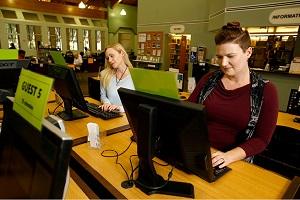
All library branches are open for browsing, computer use, study room use, meeting room reservations, and printing services during all operating hours.
Place items on hold and you can pick them up from your preferred location.
You can easily search our online catalog to place hold requests for books, DVDs, and other materials. Here's how.
- Use the Place Hold option on items you want to reserve.
- Select the Pickup Library option for the library branch where you would like to pick up your materials.
- You will receive a notification when your items are ready.
Please follow these steps to check out materials after you've received notification that they are ready to be picked up.
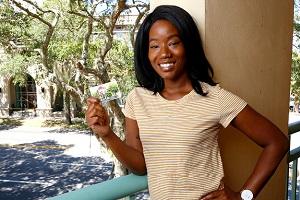
- Bring your library card or photo identification when you go to pick up materials.
- Please return all materials to the exterior book drops.
- You can also renew or sign up for a new library card, just bring your photo identification and proof of address to your local branch.